CRM Data Quality
CRM Fixes
Lifecycle Stages
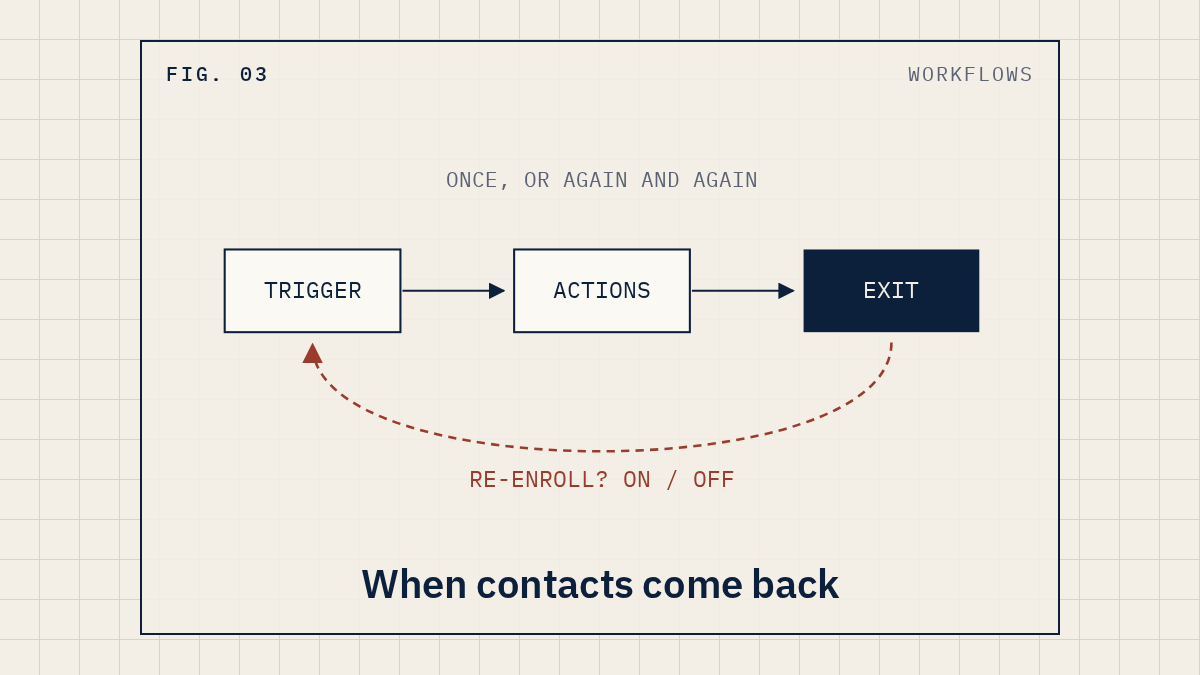

A HubSpot workflow enrolls each record once, the first time it meets the trigger. If you want a returning lead to go through again, you have to turn re-enrollment on and pick which triggers count. If the opposite is happening and people keep getting the same emails, re-enrollment is on and one of those triggers fires more often than you think. Both problems live in the same place: the workflow's enrollment trigger settings. Its enrollment history shows you which one it is.
Workflows need a Professional or Enterprise subscription, according to HubSpot's help pages. On Free or Starter, this doesn't apply yet.
HubSpot's own wording is that records "are only enrolled in workflows the first time they meet the workflow enrollment triggers or are enrolled manually."
Here's how that bites. Someone fills out your contact form, goes through your follow-up workflow, and finishes it. Months later they come back and fill out the same form again. If re-enrollment is off, the workflow does nothing the second time, and it's easy to miss. The new submission sits on the contact record and nobody gets a task.
Open the workflow and check whether re-enrollment is on at all.
If re-enrollment is on and people still don't come back, check these:
One more trap: date and number refinements don't apply to re-enrollment. If your trigger says "filled out this form between two dates," the date range is ignored for re-enrollment, and anyone who submits the form again re-enrolls.
This is the one that gets complaints. When a record re-enrolls, it starts from the beginning and completes every action again, including automated emails.
The first thing we check is any trigger that says "is known." Look for these:
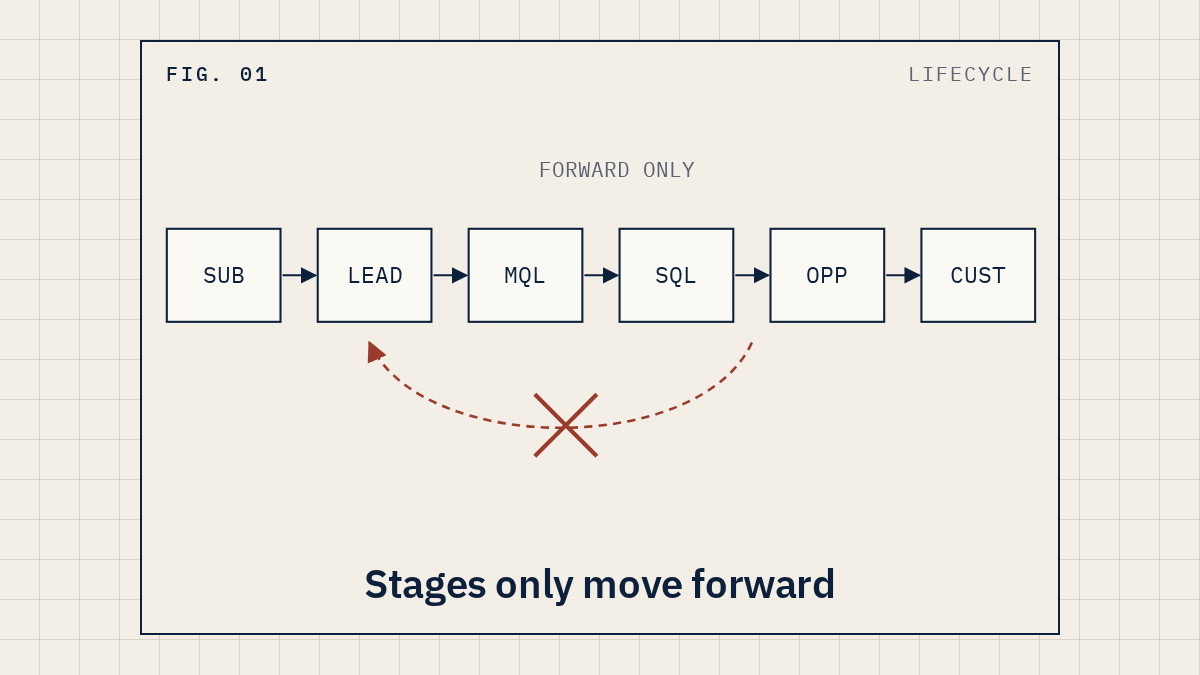
The fix is to pick the narrowest trigger that means what you want. "Lifecycle stage is any of Sales Qualified Lead," with that one value, re-enrolls on one specific change. "Lifecycle stage is known" re-enrolls on any change.
Then add a way out. On the same Settings tab you can set unenrollment conditions, and in contact-based workflows you can remove contacts who no longer meet the criteria, meet the workflow goal, or have been added to a suppression segment. A suppression segment of current customers is a simple guard on a sales nurture.
When you save re-enrollment changes on a workflow that's already on, HubSpot asks whether you want to enroll existing contacts (or existing companies, deals and so on).
Read that dialog slowly. HubSpot's own advice is that if the workflow has been on for a while, you may want Save and don't enroll existing contacts to avoid re-enrollments. If you pick the other option on a workflow that sends email, you can send the whole sequence again to everyone who already qualifies.
Don't guess. HubSpot keeps a record of who enrolled and what happened to them.
The workflow's details page has an Action logs tab too. You can filter by event type, including errors, and export the log to a CSV. HubSpot says enrollment history is kept for 6 months and full action log data for 90 days, so check soon after you notice a problem.
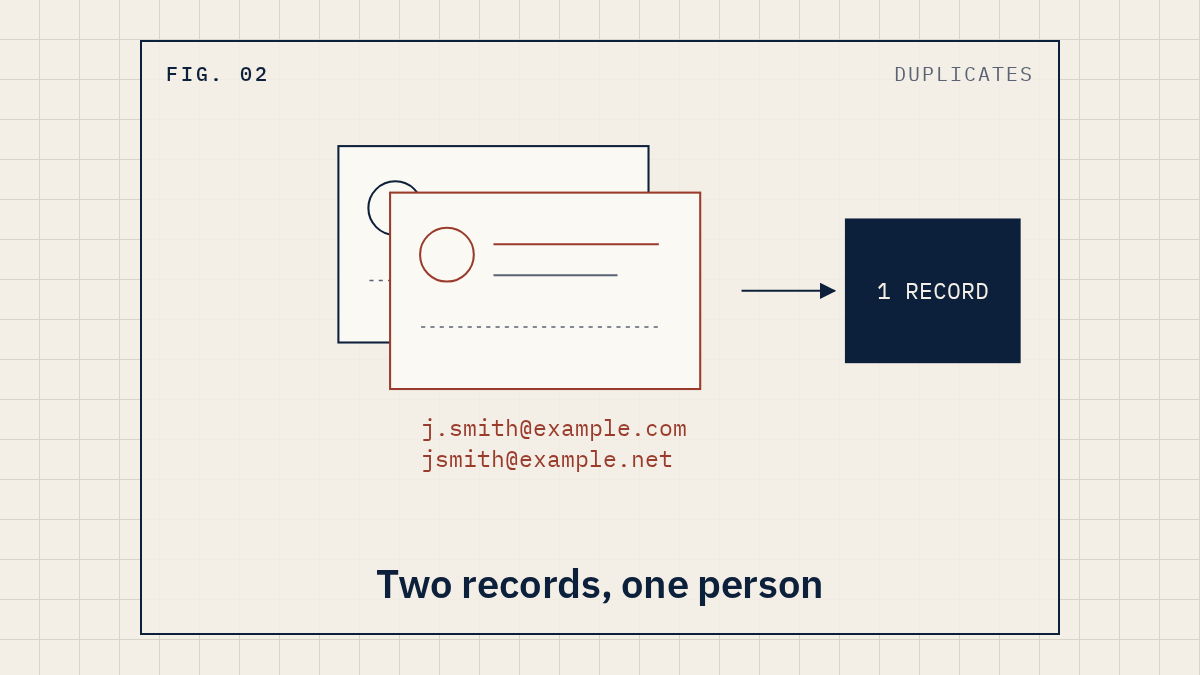
By default, HubSpot doesn't enroll merged contacts in a workflow, even if the merged record meets the criteria. Contact-based workflows have a setting, Automatically enroll merged records if the updated merged record meets the enrollment conditions. If you're cleaning up duplicate contacts and people seem to fall out of your automation, check it.
For every active workflow that sends email or creates tasks, write one line each. If you've just taken over the portal, our post on where to start with a messy HubSpot portal puts this alongside the other first checks.
Only if they meet a re-enrollment trigger again, or if you choose to enroll existing records when you save. Choose Save and don't enroll existing contacts if you're not sure.
Yes. Manually re-enrolled records don't have to meet the triggers. Re-enrollment still has to be turned on, though.
No. Workflows, and re-enrollment with them, need a Professional or Enterprise subscription, according to HubSpot's re-enrollment page.
Yes. A re-enrolled record starts over and completes every action again, including automated emails.
Because every change to that property's value counts, as long as the record still meets the original triggers. If something keeps rewriting the field, each change starts the workflow again. A single-value "is any of" trigger re-enrolls on one specific change instead.
Re-enrollment is one setting in one workflow. Our Revenue Stack Audit looks at your workflows, forms and integrations together and tells you what to fix first. It's read-only. Want a second set of eyes on your setup? See how the audit works.
Sources (HubSpot Knowledge Base): Add re-enrollment triggers to a workflow, Set event enrollment triggers, Manage workflow enrollment settings, Review your workflow's enrollment history, Review a record's workflow paths and actions, Understand your workflow details page, Create workflows, Merge records.
Independent. Not affiliated with HubSpot. HubSpot is a trademark of HubSpot, Inc.